My9Albums trend
The My9Albums Trend: What It Is and How to Make Yours
Nine album covers, one image, and a lifetime of music. Share the records that shaped you and discover the stories behind your friends’ picks.
Published
Make my nine-album poster ↗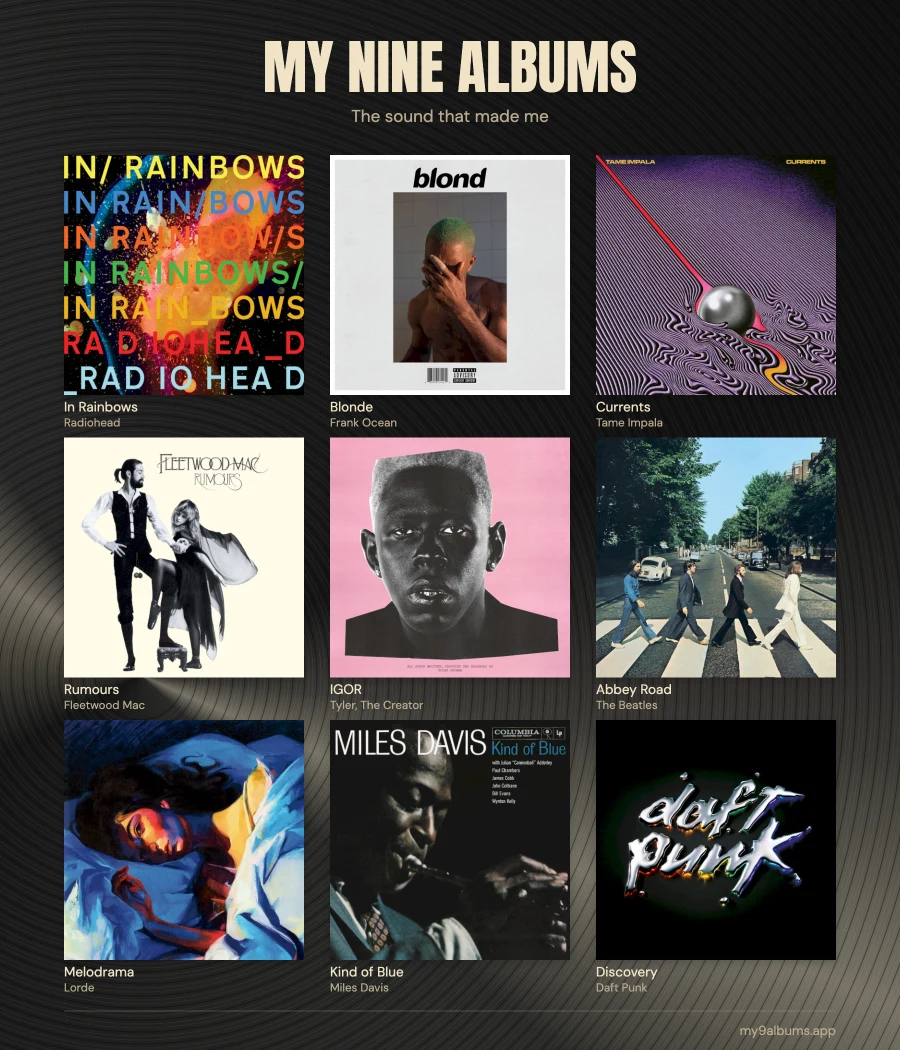
What is My9Albums?
My9Albums is a music-sharing challenge: choose nine albums that shaped you, arrange their covers in a 3×3 grid, and share the result. You may also see it called “my 9 albums” or “the nine albums that made me.”
Pick childhood favorites, records that changed your taste, or music that brings back a person or place. Your nine do not have to match your listening stats or a ranking of the greatest albums ever made.
Why is My9Albums trending?
In October 2026, the challenge attracted music press coverage. On October 12, Rolling Stone Germany described it as a social-media trend, and EskaROCK reported that Dream Theater drummer Mike Portnoy had joined in.
A cover grid is quick to browse, but every choice can start a conversation. Spot a shared favorite, discover an unexpected record, or ask a friend why an album matters to them.
Which nine albums should you choose?
Start with memories. List more than nine possibilities, then keep the records that tell the most meaningful parts of your story.
Think of your first record, an album you heard at home, a discovery that opened up a new genre, music from a turning point, and a favorite you still play today.
You can choose several albums by the same artist. Arrange them by preference, by when you discovered them, or by how the covers look together. There is no required genre or ranking.
How to make your My9Albums poster
The maker on my9albums.app is free. No account or Spotify connection is needed; you choose the records yourself.
- Open My Nine Albums and select an empty slot. Search by album title or switch to Artist search, then choose your nine records.
- Arrange the covers by dragging them or using the arrow controls. Replace any pick until the selection feels right.
- Customize the background, title, subtitle, and album labels. You can also keep the default design.
- Once all nine slots are filled and the covers have loaded, select Download poster, then Download PNG. Your finished image is 1800 × 2100 pixels.
- Upload the PNG to your social app, or copy the public share link from the download window.
Opening the download and sharing window automatically uploads a snapshot and prepares a public link. Only include a name or handle you want to publish. Later edits do not change an existing link; open the window again to share a new version.
For screenshots and help with missing covers, read the full step-by-step poster guide.